Most Core Web Vitals problems do not come from "slow code." They come from delivery decisions that were never reviewed against how the page is actually fetched, hydrated, and laid out.
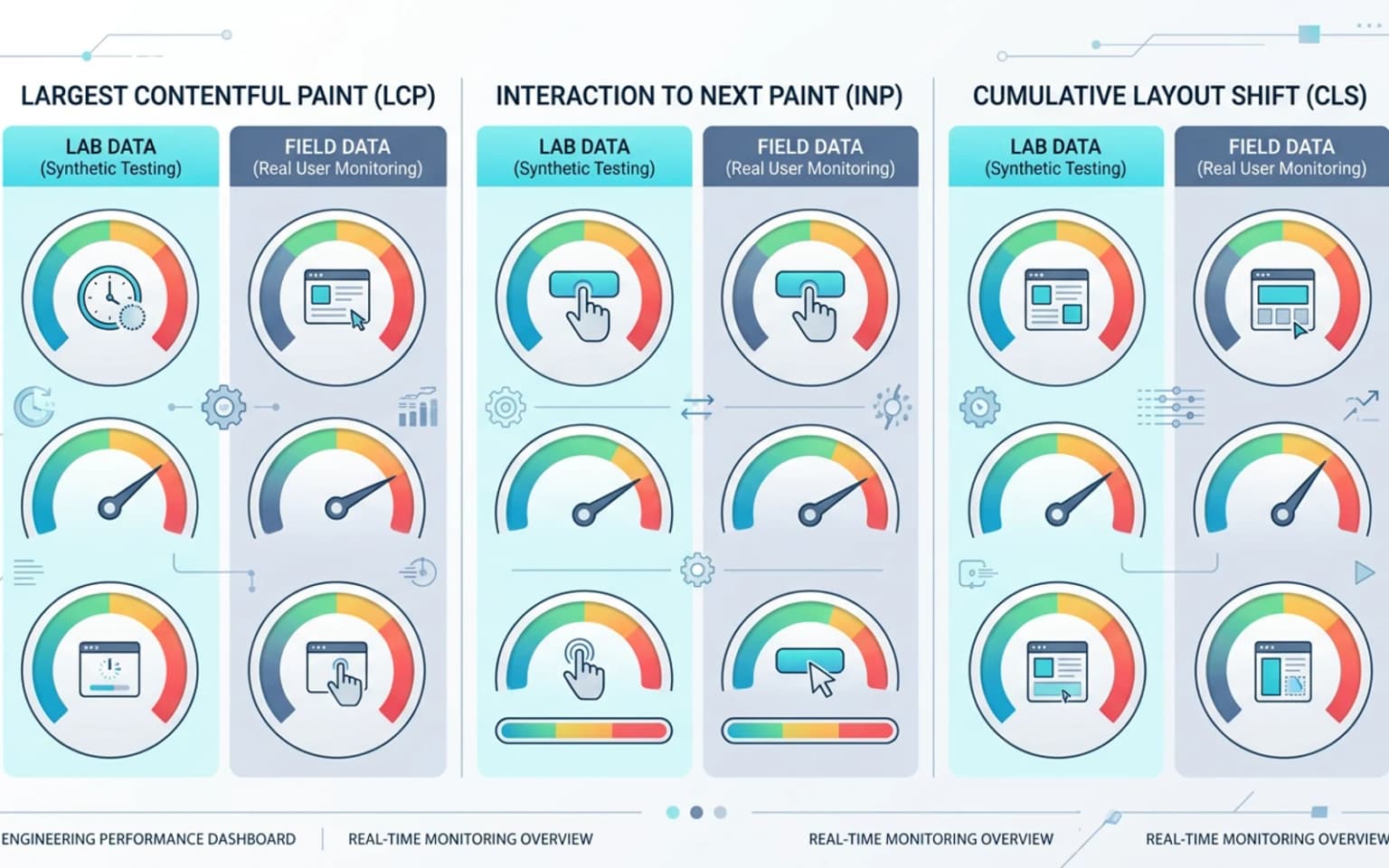
Updated for April 2026, this guide walks through what each Core Web Vitals metric actually measures, where it tends to break on JavaScript-heavy sites, and how engineering teams should fix it without falling into "let us throw a CDN at it" thinking. The goal is the same as any technical SEO audit: tie a measurable outcome to a specific layer of the system instead of optimizing in the dark.
What Core Web Vitals actually measure
Core Web Vitals are three field metrics tied to user experience: Largest Contentful Paint (LCP), Interaction to Next Paint (INP), and Cumulative Layout Shift (CLS). Google publishes the full definition and threshold model on web.dev/vitals, and the thresholds are not negotiable, they are baked into Search ranking signals via the page experience system.
The thresholds for the 75th percentile of page loads are direct:
- LCP under 2.5s
- INP under 200ms
- CLS under 0.1
In table form, with the full Google-published bands at p75:
| Metric | Good | Needs improvement | Poor |
|---|---|---|---|
| LCP | under 2.5s | 2.5s to 4.0s | over 4.0s |
| INP | under 200ms | 200ms to 500ms | over 500ms |
| CLS | under 0.1 | 0.1 to 0.25 | over 0.25 |
The "Good" column is the only one that earns the page experience signal, "Needs improvement" rows still hurt and "Poor" rows are treated as failing in Search Console. A site can pass at the median and still fail at p75. That gap is where most engineering teams lose hours arguing with dashboards.
Field data versus lab data
Lighthouse, PageSpeed Insights, and synthetic monitoring tools produce lab data, a single run on a controlled environment. The Chrome User Experience Report (CrUX), surfaced in Search Console and PageSpeed Insights, produces field data, the real distribution of user experiences over a 28-day window.
Search uses field data. Lab data is only useful for diagnosis. We have seen teams ship "LCP fixes" that look good in Lighthouse but never move the field metric, because the fix targeted a code path real users rarely hit.
The fastest way to pull a real CrUX-backed read for a URL without opening PageSpeed Insights in a browser is the PageSpeed Insights API:
curl "https://www.googleapis.com/pagespeedonline/v5/runPagespeed?url=https://example.com/&strategy=mobile&category=performance&key=YOUR_API_KEY"
The response includes both the Lighthouse run and the loadingExperience block from CrUX, which is the same field data Search uses. Wire that command into a daily cron and persist the JSON, and the team has a free p75 trend chart per template without paying for synthetic monitoring.
TTFB is not a Core Web Vital, but it sets the ceiling
Time to First Byte is not part of the Core Web Vitals scorecard, but it is the input that constrains every other metric. If your origin spends 800ms before sending the first byte, your LCP budget for everything else is already gone.
Why Core Web Vitals break on JavaScript-heavy sites
Single-page applications and hybrid frameworks introduce delivery patterns that make every Core Web Vital harder to keep stable. Frame the problem this way: a static HTML page paints content as soon as the browser receives bytes; a JavaScript-driven page paints content only after a chain of fetch, parse, execute, hydrate, and request-data steps completes.
Each step in that chain adds latency, blocks the main thread, or shifts layout. None of those steps exist on a server-rendered or prerendered page that already contains the full content in the first response. This is why JavaScript SEO and Core Web Vitals are so tightly coupled, and why a prerendering decision often shows up in field metrics within weeks of rollout.
The hydration tax
Hydration is the work the browser does to attach React or Vue event handlers to server-rendered HTML. It looks free in dev because nothing else is competing for the main thread. In production, hydration competes with analytics, ad scripts, A/B tests, and third-party widgets. INP often cracks here even when the page looks visually complete.
Client-side data fetching at the wrong moment
When a hero section renders, fires a fetch, then re-renders with data, both LCP and CLS take a hit. The LCP candidate often gets reassigned partway through the load. Layout shifts because the placeholder and the real content have different dimensions.
LCP, the rendering layer's responsibility
LCP measures when the largest visible element above the fold finishes painting. On product pages, that is usually a hero image or a headline. On blog content, the cover image. On dashboards, often a data card or a chart.
The fix is rarely "make the image smaller." The fix is usually one of four things, in order of impact:
- Move the LCP element out of client-side fetching paths so it is in the first HTML response.
- Preload the LCP image with
<link rel="preload" as="image">and serve a modern format (AVIF or WebP). - Eliminate render-blocking JavaScript and CSS in front of the LCP element.
- Trim the round trips to the origin, TTFB, redirects, and font fetches.
The first response is the only response that matters
This is the part most teams underweight. If your LCP image, headline, and structured data are not in the first HTML response, every downstream optimization is fighting gravity. That is the single strongest argument for prerendering for SEO on JavaScript-heavy templates: the first response becomes the only response that matters for crawler-visible LCP.
web.dev's optimize LCP guide is still the canonical reference for the full debugging tree.
Image format choices that actually move LCP
We routinely see 30–50% LCP improvements purely from format and sizing changes:
- AVIF over WebP, WebP over JPEG, JPEG over PNG (for photos)
srcsetwith realistic device widths, not just 1x and 2xpriorityflag on the LCP image when usingnext/imageor equivalent- A
sizesattribute that tells the browser which resolution to fetch
We cover the full image stack in image SEO at scale, including when image CDNs are worth it and when they just add a hop.
INP, interaction work that hits the main thread
Interaction to Next Paint replaced First Input Delay in March 2024. INP measures the time from a user input (click, tap, key press) to the next paint that reflects that input. It captures the worst experience, the slowest interaction during the page lifetime, not just the first one.
INP fails when the main thread is busy. The usual suspects:
- Large JavaScript bundles parsing and executing on every interaction
- Long tasks from third-party scripts (analytics, chat widgets, A/B testing)
- React renders that re-render too much of the tree on a small state change
- Synchronous layout reads inside event handlers (forced reflow)
Where to start
web.dev's INP debugging guide is the most useful field reference. The shortest path to INP improvement on a complex site is usually:
- Audit the long tasks the main thread runs in the first 5 seconds, this is where most INP regressions originate.
- Defer non-critical JavaScript with
<script defer>orimport()boundaries. - Move heavy computation (search filters, autocomplete, sort) to a Web Worker.
- Memoize React components whose props are stable.
INP is the metric where third-party scripts hurt the most. Auditing the script-tag inventory is often a faster INP win than rewriting application code.
CLS, layout discipline at the component level
Cumulative Layout Shift measures unexpected layout shifts during the page lifetime. It is the easiest Core Web Vital to fix on a greenfield project and the hardest to fix on a legacy codebase, because every shift comes from a specific component that was not engineered to reserve its space.
The five most common CLS causes:
- Images and embeds without explicit width and height attributes
- Web fonts that swap from a fallback to a custom font (FOIT/FOUT)
- Late-loaded ads, banners, or cookie consent prompts
- Skeleton loaders whose height does not match the real content
- Dynamically injected DOM nodes above existing content
Reserve space before you have content
The principle is simple. If a component will eventually render something with height, the slot must reserve that height from the first paint. CSS aspect-ratio, intrinsic sizing on images, and skeleton heights matched to real content all help.
web.dev's CLS guide covers the full debugging flow.
TTFB and the server response
TTFB is the latency floor for everything else. Three patterns hurt it most:
- Long server-side rendering paths that fetch from multiple origins before responding
- Edge functions that cold-start on every region
- Caching layers that bypass on cookies, query parameters, or A/B test segments
When TTFB is the real problem
If TTFB is over 800ms at p75, no client-side optimization is going to move LCP into the green. The cheapest TTFB improvements:
- Static or prerendered HTML for templates that do not need per-request work
- Stale-while-revalidate caching at the edge
- Lighter middleware (fewer geographic redirects, fewer auth round trips)
web.dev's TTFB reference explains the field measurement model.
How prerendering changes the Core Web Vitals equation
A prerendered route ships full HTML in the first response. That changes the math on every metric:
- LCP candidate is in the first paint, not after hydration
- CLS is bounded by the static HTML structure, not by client-side fetches
- TTFB depends only on cache lookup speed, not on application logic
- INP still depends on the JavaScript bundle, but the painted page is interactive earlier
Prerendering does not fix INP on its own. INP work still has to happen at the application layer. But it removes most of the LCP and CLS variance that JavaScript-heavy delivery introduces, which is why we recommend prerendering for technical SEO on routes where crawler-facing HTML matters.
CI-side validation and performance budgets
Field data lags by 28 days. By the time CrUX shows a regression, the bad code has been in production for a month. The fix is to validate Core Web Vitals in CI before code merges.
Lighthouse CI is the simplest way to enforce a performance budget on every pull request. It is not perfect, synthetic data does not match field data, but it catches the big regressions, and it forces the team to set explicit performance budgets per template.
We cover the full CI integration model in Lighthouse CI for technical SEO validation.
Per-template budgets, not site-wide budgets
A homepage and a product detail page have different performance ceilings. A site-wide LCP budget of 2.5s will fail on category pages and pass on the homepage, or the other way around. Set a budget per route family.
Common engineering mistakes
Patterns we see when teams chase Core Web Vitals without a clear diagnosis:
- Optimizing the LCP image without checking whether it is actually the LCP candidate
- Adding
loading="lazy"to the LCP image (this is the worst possible default) - Adding a CDN without verifying the origin response time
- Fixing CLS on the homepage and ignoring the listing template that drives 80% of sessions
- Treating Lighthouse score as the goal instead of CrUX p75
Core Web Vitals do not reward heroics. They reward consistency at p75. The team that ships small, measured improvements every sprint will outperform the team that does a six-week "performance push" and reverts half of it under deadline pressure.
Conclusion
Core Web Vitals are field metrics, which means they reward the boring discipline of catching regressions before they reach production, sizing budgets per template, and treating the rendering layer as a load-bearing decision instead of an afterthought.
The teams that move the needle treat performance like indexation: a system property, not a feature. They run Core Web Vitals checks alongside their rendering QA checklist, they validate bundle sizes in CI, and they tie image SEO and prerendering decisions back to the same scorecard. That is the model worth copying.
Content Cocoon
Core Web Vitals & Performance Cluster
Tie Core Web Vitals work back to the rendering decisions, image strategy, and CI gates that determine whether field metrics actually move at p75.
Internal Pathways
Image SEO at Scale for Modern Frameworks
A practical companion for the LCP image work, formats, srcset, lazy loading, and image CDN tradeoffs.
Lighthouse CI for Technical SEO Validation
How to enforce Core Web Vitals budgets in CI before regressions reach production.
Rendering QA Checklist for SEO Releases
Pairs with CWV work, rendering parity is the input that bounds every field metric.
Technical SEO Audit
The parent service for teams turning Core Web Vitals failures into a sequenced engineering roadmap.
External Technical References
web.dev, Core Web Vitals
Canonical reference for the metric definitions, thresholds, and the field-versus-lab measurement model.
Lighthouse CI repository
The simplest way to enforce per-template performance budgets in CI.
Bridge CDN, delivery layer and TTFB
Relevant when TTFB is bounded by the delivery layer rather than by application rendering. Pre-launch, with no measured figures published.
Frequently Asked Questions
What is a passing Core Web Vitals score?+
A URL passes when LCP is under 2.5s, INP is under 200ms, and CLS is under 0.1, all measured at the 75th percentile of real user visits over a 28-day window.
Does Lighthouse score affect Search ranking?+
No. Search uses field data from the Chrome User Experience Report, not Lighthouse lab scores. Lighthouse is a diagnostic tool, useful for catching regressions in CI but not for predicting ranking impact.
How does prerendering affect Core Web Vitals?+
Prerendering ships full HTML in the first response, which moves the LCP candidate to the first paint and bounds CLS by static structure. It does not directly improve INP, since INP still depends on the JavaScript bundle running on the client.
Should I run Core Web Vitals checks in CI?+
Yes. Field data lags by 28 days, so CI gates with Lighthouse CI are the cheapest way to catch performance regressions before they reach production. Set per-template budgets rather than a site-wide threshold.