Most SEO incidents do not fail loudly at first. A deployment changes canonical output on a Tuesday afternoon, a sitemap starts leaking staging URLs, prerendered HTML goes stale because the cache invalidation webhook silently broke, or an important template starts returning a 500 for crawler user agents while humans see 200. Rankings and indexation move three to fourteen days later. The technical fault started earlier, and someone always knew, but the signal stayed in the wrong dashboard.
That is why teams need more than audits and monitoring. They also need a response playbook. Monitoring tells you that something changed. An incident playbook tells you how to triage the issue inside fifteen minutes, scope the blast radius before the team starts arguing about explanations, stabilize the route family, and prevent the same regression from repeating. Updated for April 2026, this playbook borrows triage discipline from Google's SRE troubleshooting guide and the postmortem culture chapter of the SRE workbook, then ports it to the specific shape of machine-facing SEO failures.
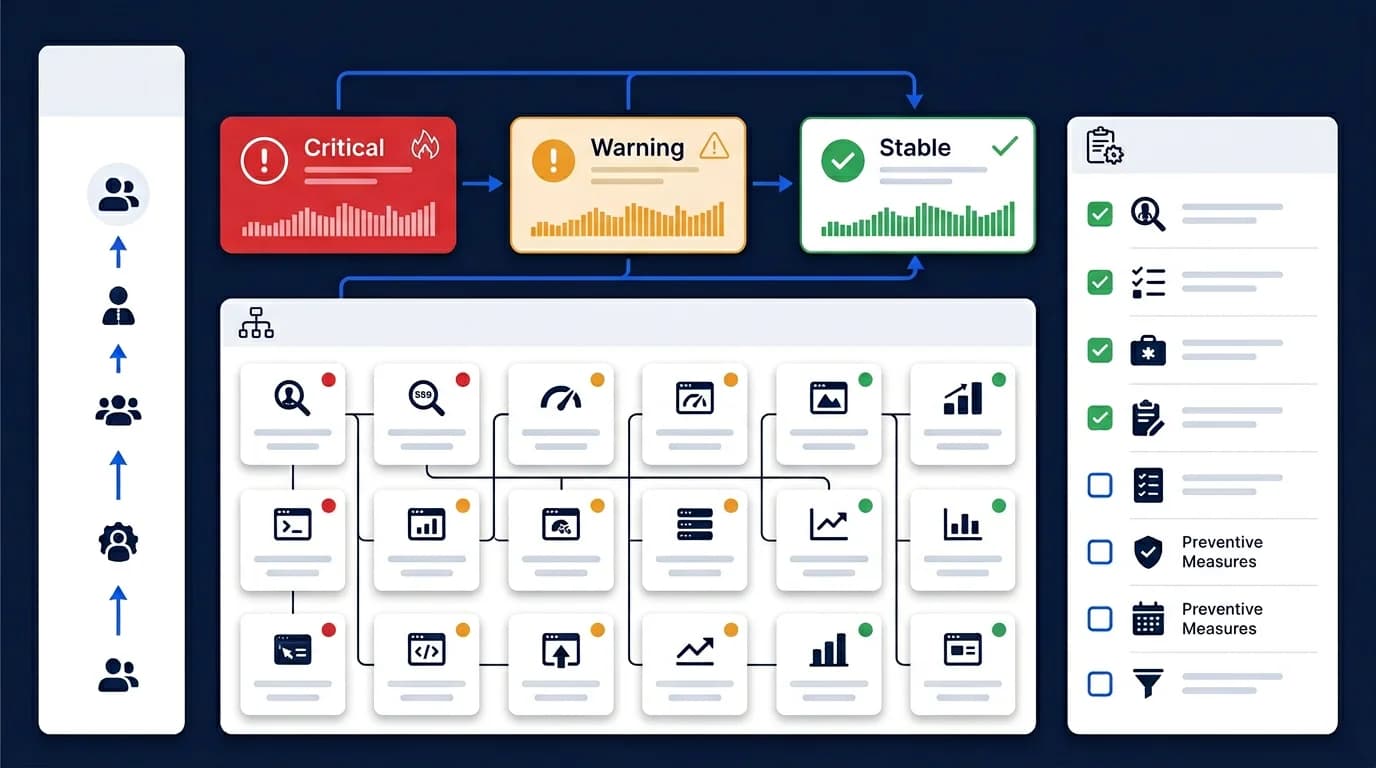
This guide explains how technical teams should respond when a machine-facing SEO regression is detected, which questions matter in the first hour, and how to turn SEO incidents into controlled operational work instead of three days of Slack threads. The framing pairs with SEO monitoring and alerting for technical teams and the related Core Web Vitals work for engineering teams, monitoring is detection; this is response.
SEO incidents should be defined by machine-facing impact
The fastest way to waste time during an SEO incident is to define it too loosely. A 5% week-over-week traffic dip is not an incident. A keyword sliding from position 3 to position 7 is not an incident. The strongest definitions focus on changes in machine-facing behavior, things you can curl and prove.
An SEO incident is something you can detect by checking what bots actually receive, not by waiting for Search Console to update three days later. It usually involves one or more of these failures:
- canonical tags disappearing or pointing to a different domain
- important routes returning
404,410,5xx, or unexpected redirects - first-response HTML losing core content (hero, body, internal links)
- structured data missing from JSON-LD or returning invalid syntax
- sitemap inventories drifting away from canonical route policy
- bot-facing output diverging from human-facing output (cloaking risk)
- robots.txt accidentally disallowing high-value templates
This framing keeps incident work tied to systems the team can actually diagnose and fix in the first hour. Anything that cannot be reproduced with curl -A "Googlebot" and a diff against the expected baseline is probably not an incident, it is a quality issue or a content question, which has a different response cadence.
Start with route-family scoping, not one broken URL
A single example URL is useful for detection. It is almost never enough for response. We have rarely seen an SEO incident that affected exactly one URL, most technical SEO failures spread by template family because the bug lives in a shared component, a routing rule, or a build step that runs across hundreds or thousands of pages at once.
The first triage question should be:
Which route family is affected, and how do I sample it in under five minutes?
The fast way to scope it: take the affected URL, identify its template (homepage, category, product detail, blog article, account, search result), pull 5 to 10 representative URLs from that template, and run the same curl check across all of them. If 8 of 10 fail the same way, you have a route-family incident. If 1 of 10 fails, you have an isolated bug, different response, different urgency.
The template families to check first depend on what your inventory looks like:
- one landing-page template (homepage, "for X" pages)
- one editorial template (blog, knowledge base, news)
- one category or listing template (catalog, directory, search results)
- one product or programmatic template (PDP, location pages, generated routes)
- one locale or host variant (
/de/,/fr/, regional subdomains)
This route-family approach overlaps directly with SEO monitoring and alerting for technical teams, because the same monitoring coverage that detects incidents should help define their blast radius. Monitors that only check the homepage will miss every category-page incident, and those are usually where revenue lives.
Triage should answer four questions in the first 15 minutes
When an SEO incident starts, the first phase should answer four questions quickly. We aim for under fifteen minutes from "alert fired" to "we have an answer to all four":
- What changed?, last 24 hours of deploys, config changes, CMS publishes, infra incidents, third-party outages
- Which route families are affected?, sampled with
curl, scoped by template - Is the issue active in production right now?, current state, not yesterday's screenshot
- Is the bot-facing behavior materially different from human-facing?, fetch as Googlebot, compare to a regular browser request
These questions matter more than long debates about whether traffic is already down. The Search Console traffic data you would want for that debate lags by 24 to 72 hours. By the time the dashboard moves, the incident has been live for a day. Trust the curl output and the deploy log first.
The DRI (designated responsible individual) for SEO incidents is usually whoever owns the rendering layer or release pipeline, not the SEO specialist. SEO specialists are excellent for diagnosis and impact framing; engineers are the ones with merge access to fix it. Pick the DRI before the incident, write the assignment in the runbook, and skip the "who runs this?" debate at 2 AM.
A simple Slack-driven incident channel pattern
What works for most teams:
- One channel per active SEO incident:
#inc-seo-{date}-{short-desc}(e.g.#inc-seo-2026-04-25-canonical-drift) - Auto-posted alerts from Datadog, Sentry, or the monitoring layer flow into the channel
- DRI assigns roles: triage owner, comms owner, engineering owner
- Status updates every 30 minutes until the route family is stable
- Channel archives become the postmortem source material
Confirm the issue in raw HTML before debating downstream effects
Many SEO incidents become slow because teams start with dashboards instead of output validation. The dashboard is data; the dashboard is also slow. The HTML is the source of truth and you can fetch it in a single command.
The first technical check should confirm whether raw HTML now differs from the intended state. Fetch as Googlebot and compare:
curl -s -A "Mozilla/5.0 (compatible; Googlebot/2.1; +http://www.google.com/bot.html)" \
  -L https://example.com/affected-route \
  | grep -E '<title>|canonical|application/ld\+json|robots'
What we are looking for in the response:
- canonical tag, present, points to the expected URL, not to staging or a different domain
- title and H1 alignment, title tag set, H1 in body, both reflect the route's purpose
- structured data,
application/ld+jsonblock present and parseable (pipe to a JSON validator if needed) - primary content blocks, hero, body copy, internal links visible in the response, not just a SPA shell
- internal links exposed to crawlers, actual
<a href="...">tags, not click handlers - status code and redirect behavior,
curl -Ito verify the response code is what you expect
If the raw HTML is wrong, the incident is real even before performance systems fully reflect it. Conversely, if the raw HTML looks fine and the dashboard says traffic dropped, you may be looking at a quality issue, an algorithm change, or seasonality, not an incident. Different cadence, different response.
For incidents involving JS-rendered content, also test what bots receive in the post-render path, since that is where most modern incidents hide. The cloaking risk patterns are in SSR cloaking risks and semantic parity.
Classify the incident by severity and reversibility
Not every SEO incident deserves the same response. Strong teams classify incidents based on route importance, blast radius, and reversibility, and tie each level to a target response time. Without the time anchor, "Critical" becomes whatever the loudest person in the channel says it is.
A simple severity model that works on real engagements:
| Level | Definition | Target response | Example |
|---|---|---|---|
| Sev 1, Critical | High-value route families have lost core machine-facing meaning or availability | DRI assigned in 15 min; stabilization plan in 1 hour | All product pages returning 5xx to Googlebot; canonical tags pointing to staging |
| Sev 2, High | One major template family is degraded but rollback or patch is possible | DRI assigned in 30 min; fix scoped in 4 hours | Blog template lost structured data; hreflang block missing on /de/ |
| Sev 3, Medium | Secondary route families affected; no immediate business-critical exposure | Fix scoped in 24 hours; ship within 1 week | Sitemap missing 200 secondary URLs; meta description truncated on archive pages |
| Sev 4, Low | Isolated route anomalies; below the threshold for incident-level escalation | Tracked in normal backlog | Single legacy page returning unexpected 301 |
Sev 1 and Sev 2 trigger the playbook fully. Sev 3 and Sev 4 enter normal sprint flow without paging anyone. The mistake we see most often is treating every alert as Sev 1, which trains the team to mute the channel within a week.
How to assess reversibility
Teams should also ask whether the incident is:
- Reversible by rollback, last good release is still on the registry; redeploy in minutes
- Reversible by config or cache correction, flip a feature flag, purge a CDN, update an env var
- Reversible only by code patch, needs a fix, review, and deploy cycle
- Partially recoverable but requiring cleanup after stabilization, content was deleted, redirects need backfilling, sitemaps need regeneration
That distinction changes how teams respond in the first hour. A reversible-by-rollback Sev 1 is a 15-minute incident with a one-paragraph postmortem. A code-patch-only Sev 1 with no rollback path is a multi-hour incident that needs full incident-channel discipline. Naming the reversibility class up front prevents the team from sliding from "we should rollback" into "let's investigate" while users continue seeing the regression.
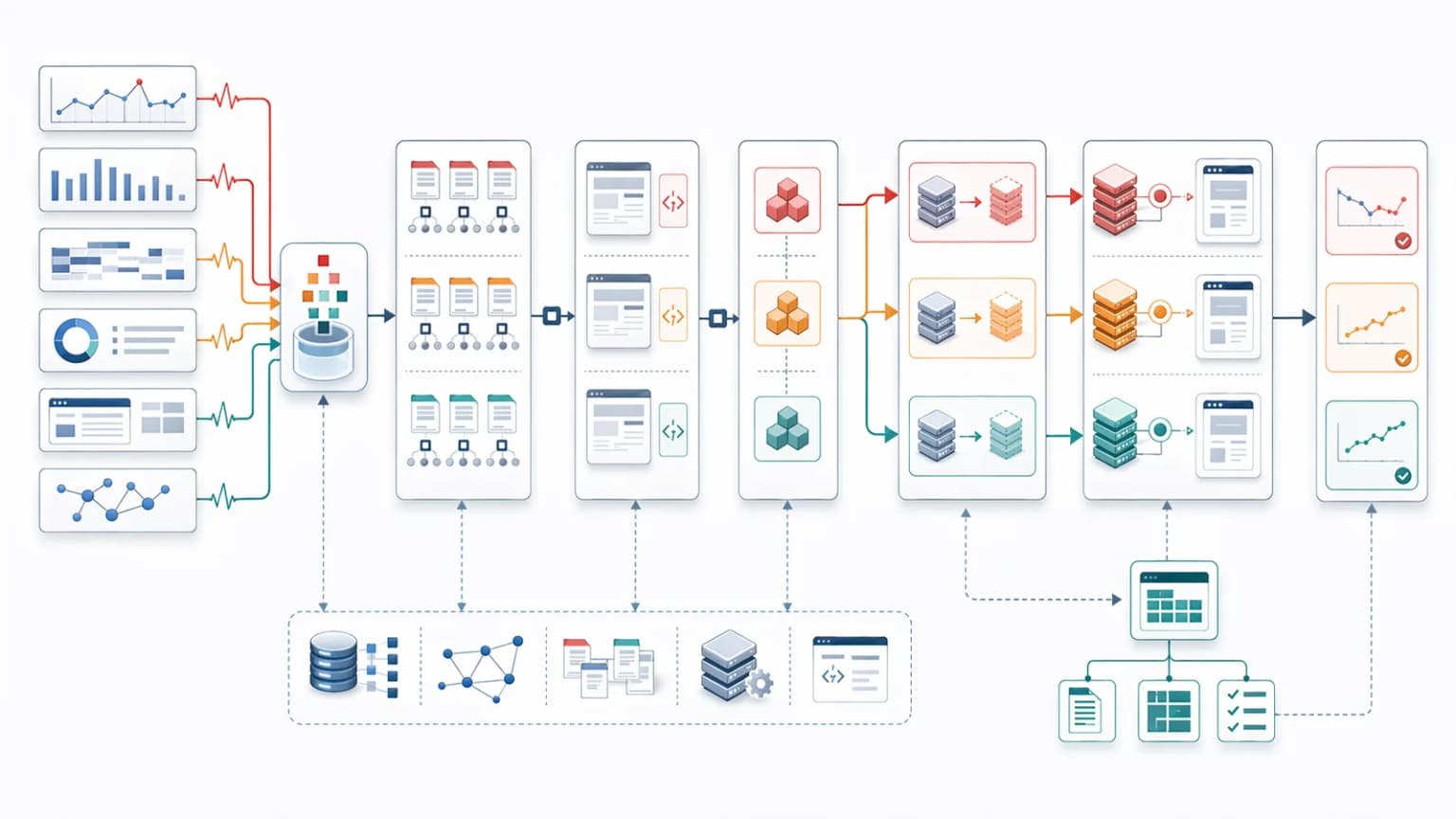
Rollback is often better than explanatory analysis
One of the most common operational mistakes is trying to fully explain an incident before stabilizing the site. If the issue was introduced by a recent release and a safe rollback exists, rollback is almost always the highest-leverage move. Roll back first, investigate second.
We have seen too many incidents stretch from 30 minutes to 6 hours because the engineering team prioritized "understanding what went wrong" over "stopping the bleeding." Crawlers do not pause while you investigate. Every hour the regression stays live is another hour of bot requests indexing the wrong state.
When rollback beats investigation
Rollback is especially useful when:
- The blast radius is broad (multi-template, sitewide canonical, robots.txt)
- The regression is recent, the bad code shipped within the last 24 hours
- Route meaning has clearly changed (canonical pointing somewhere unexpected, status code wrong)
- Canonicals or status codes are wrong across many pages
- There is no low-risk hotfix ready
- The team is not sure how the change made it through review (the explanation will take longer than the rollback)
When to skip rollback
Rollback is not the right move when:
- The regression is not recent (the bad state has been live for a week and rolling back would change canonical history again)
- The release that introduced the bug also shipped unrelated features that users now depend on
- A specific config or env var change is the cause, and that change is fast to revert in isolation
- The fix is shorter than the rollback path (a single env var flip beats reverting a 30-commit deploy)
The goal is not to prove who was right. The goal is to restore stable machine-facing output quickly. Most platforms, Vercel, Netlify, AWS Amplify, internal Kubernetes setups, make rollback a one-command operation. If your platform does not, that is the highest-leverage operational fix to ship before the next incident.
Cache and rendering layers should be checked early
Many SEO incidents are not purely code bugs. They are inconsistencies between rendering layers, caches, and route states. The fix may have shipped, and the production CDN cache may be serving the old broken response for the next four hours.
That means incident response should check every layer where the route could be served from:
- Fresh origin response, bypass the CDN with a
Cache-Control: no-cacheheader or origin-direct fetch - Cached CDN response, what most users get; what most bots get
- Prerendered responses, if there is a prerendering layer (managed or self-hosted), check it returns the new state
- Host or locale variants,
/de/,/fr/, regional subdomains often have separate cache shards - Bot-facing versus standard delivery paths, if traffic is split by user agent, both paths need verification
A route can appear fixed in one state while still failing for crawlers in another. We have seen incidents where the team confirmed "the fix is live" by checking the homepage in their browser, and the actual production cache served the old response to Googlebot for another six hours because nobody invalidated the CDN. The fix was right; the deployment was incomplete.
Cache invalidation steps to run during incidents
The minimum incident-response cache-flush checklist:
- Purge the CDN (Cloudflare, Fastly, CloudFront) for the affected route family, not just one URL
- Trigger any on-demand revalidation hooks (Next.js
revalidatePath, ISR triggers) - Restart the prerender cache for the affected templates if applicable
- Verify the new response is now being served from a clean fetch (not just the dev cache)
- Watch the origin and CDN hit rate for 15 minutes to confirm the fix is propagating
This is especially important on modern stacks using SSR, ISR, edge caching, or prerendering. The cache layer is where "fixed in code" and "fixed in production" diverge most often.
Canonical incidents need fast containment
Canonical drift creates confusion quickly because it changes which route is supposed to represent the page. That means canonical incidents need fast containment rather than slow observation.
Canonical containment steps
Containment steps often include:
- validating canonical output on representative URLs
- checking whether schema URLs and
og:urldrifted too - removing unexpected routes from sitemaps if needed
- confirming internal links still point to preferred destinations
- stabilizing path, locale, and host logic
This connects directly to canonical issues on JavaScript websites, because canonical incidents often emerge from ordinary rendering and routing changes.
Status-code and redirect incidents need route-behavior verification
If the incident involves 404, 410, 5xx, or bad redirect behavior, teams should test the exact route behavior instead of relying on assumptions about framework defaults.
That means verifying:
- the current response code
- whether redirects are temporary or permanent
- whether deleted routes now look like soft 404s
- whether canonical URLs unexpectedly redirect
- whether error handling changed by template family
This is where incident response overlaps with HTTP status codes for SEO and crawlers. Response semantics often define the severity of the incident.
Log evidence helps separate one-off noise from real crawler impact
Once the issue is confirmed technically, logs help answer a different question: how much crawler-facing impact is likely already happening, and how much will the rollback or patch actually claw back?
Useful log queries to run during incidents (the exact syntax depends on your log layer, Datadog, Splunk, Loki, BigQuery for raw access logs):
- Are crawlers still hitting the affected routes heavily? Filter by user agent containing
Googlebot,bingbot,GPTBot,PerplexityBot,ClaudeBotand route prefix - Did fetch frequency drop suddenly? Compare last 24 hours of crawler hits against the trailing 7-day baseline
- Are bots concentrating on bad redirects or broken states? Group response codes by user agent and route family
- Is the issue affecting one route family or many? Aggregate non-200 responses by URL prefix
- Did the incident begin immediately after a deployment or cache event? Overlay deploy timestamps from CI on the response-code timeseries
A real example we ran on a recent incident: the team noticed Googlebot fetches dropped 40% on the product detail template within 90 minutes of a deploy. Cross-referencing with the deploy log identified the exact commit; the fix was a one-line revert in middleware that had stripped the canonical tag for non-authenticated requests. Total incident time: 35 minutes. Without the log evidence linking deploy timestamp to crawler behavior, the diagnosis would have taken hours of guessing.
This is why log file analysis for technical SEO is part of incident response, not just retrospective analysis. If your team cannot answer "how many crawler hits did the affected route take in the last hour?" inside the incident window, that gap is the next thing to fix.
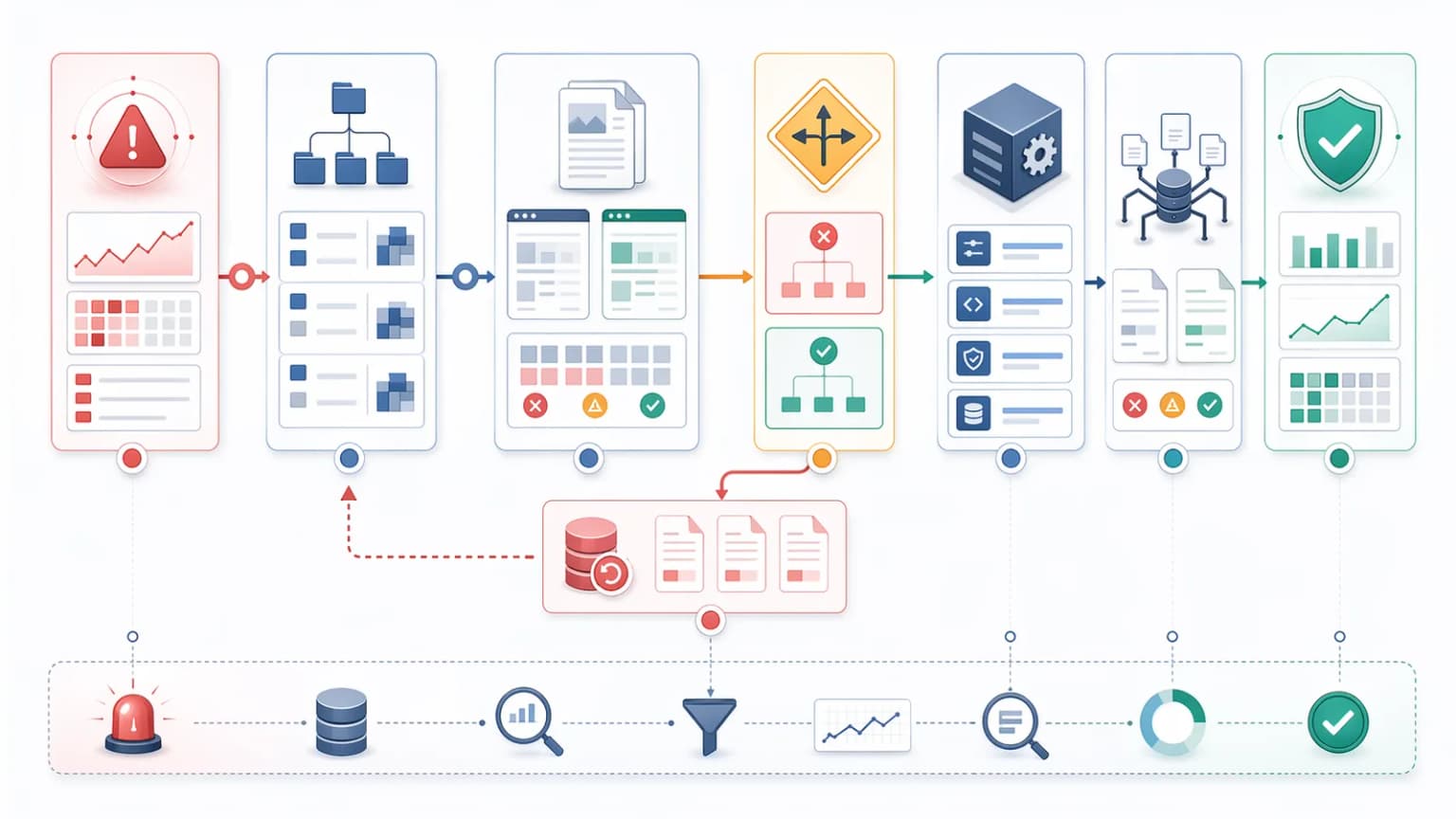
Communication should use route ownership and clear checkpoints
SEO incidents often become chaotic because communication stays abstract. "Something looks wrong with SEO" is not actionable. "Canonical tag missing on product detail template, last verified at 14:32 UTC, suspected cause is the deploy at 14:18 UTC, DRI is @priya, next check at 15:00 UTC" is.
Strong incident communication should name:
- The affected route family (not just one URL, the template scope)
- The suspected change window (deploy, config change, CMS publish, infra event)
- The current machine-facing symptom (what the curl output shows now)
- The DRI (designated responsible individual, not "the team")
- The next validation checkpoint (specific time, what will be checked)
A status update template that takes 30 seconds to fill in and saves the team an hour of confusion:
Incident: SEO incident, canonical drift on product detail template DRI: @priya Status: stabilized via rollback (14:47 UTC), monitoring CDN propagation Affected: ~12,000 product URLs (
/products/*) Next check: 15:30 UTC, full route-family curl re-validation
This prevents long threads where everyone agrees something is wrong but no one knows what is being tested. It also produces 80% of the postmortem material as a side effect, the channel transcript becomes the raw evidence later.
Recovery validation should happen before closure
An incident should not be considered closed the moment a patch ships. "It's deployed" is not "it's recovered." Closure requires evidence that the route family is back to the expected state across every layer that matters.
The pattern we use: a 15-minute window after deploy where the DRI runs the same curl checks they ran during triage, plus three new ones tied to recovery specifically.
Recovery validation checklist
The minimum closure check before announcing "incident resolved":
- Representative route-family samples now return expected HTML, re-run the same 5-10 URL
curlsweep used during triage - Canonical and metadata outputs are stable again, title, description, canonical, hreflang all match the expected baseline
- Sitemap and internal links align with intended policy, sitemap regenerated, internal links pointing to the right canonical
- Crawler-facing tools confirm healthy output, Search Console URL Inspection on 2-3 representative URLs
- Caches are no longer serving stale or conflicting versions, CDN cache hit returning the new HTML, not the old one
- Bot traffic patterns look normal in logs, Googlebot fetch rate has returned to baseline after the cache flush
The mistake we see most often is closing the incident the moment the deploy turns green in CI. Five hours later the team finds out the CDN was still serving the old response. Five-minute recovery checks prevent that.
This is where the incident workflow connects back to rendering QA checklist for SEO releases. The same validation logic used before a release should be used before incident closure, and the team that runs it consistently catches the regressions that "it's deployed" misses.
Every incident should end with a postmortem and guardrail
If an SEO incident is fixed without a guardrail, it is only partially solved. The same regression will ship again, sometimes within weeks, sometimes after the engineer who fixed it leaves the team. A postmortem without a concrete preventive action is just a record of an apology.
The postmortem should be written within 48 hours of incident closure, while the channel transcript and curl evidence are still fresh. We use a one-page format with five sections, borrowed from the Google SRE postmortem template and adapted for SEO incidents:
- What system changed, the specific deploy, config, or content event that triggered it
- Why the issue was not caught earlier, what monitor failed to fire, what review missed it, what test did not exist
- Which route families were exposed, scope and duration in production (start time → fix time → recovery time)
- What monitoring or release checks were missing, the gap that allowed the regression to ship
- Which safeguard will prevent recurrence, a concrete, owned, dated action item
Guardrails that prevent recurrence
The best guardrail is the one that fires automatically, not the one that depends on a human noticing. Typical safeguards we ship after SEO incidents:
- Stronger release QA on the affected template family, Lighthouse CI assertions, structured data validation, canonical verification on the route that broke
- New canonical or status-code monitors, synthetic checks that fail loud when the affected template returns the wrong response
- Sitemap validation in deployment workflows, fail the deploy if the new build emits a sitemap that disagrees with the canonical
- Route-family alerting for high-value templates, Datadog or similar monitors that group by URL prefix and alert on response-code anomalies
- Crawler-traffic anomaly detection, alert when Googlebot fetch rate drops 30%+ in an hour for a specific route family
- A pre-deploy "first-response HTML" check,
curl -A "Googlebot"on 5 representative URLs in the staging environment as a CI step
The pattern that matters: every Sev 1 incident should produce at least one new monitor or CI gate. The team that ships an incident, fixes it, writes a postmortem, and adds a guardrail in the same week makes the same incident less likely to recur. The team that closes the incident and moves on will see it again.
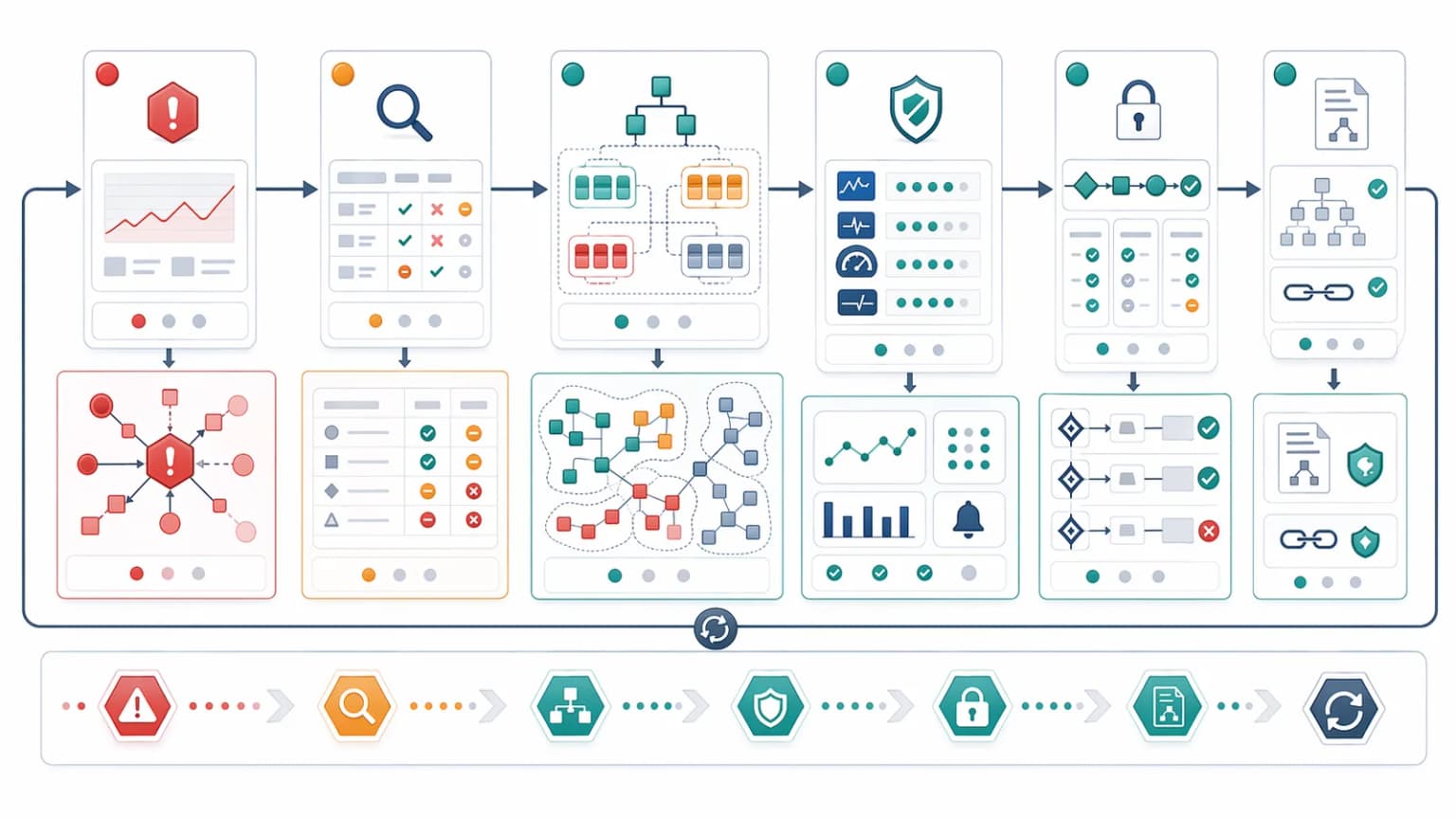
Common incident-response mistakes
Patterns we see when SEO incidents go wrong:
- Discussing traffic before validating raw HTML, the dashboard lags by 24 to 72 hours; the curl output is real-time
- Assuming one broken URL means only one page is affected, most incidents are template-scoped, not URL-scoped
- Delaying rollback while searching for a perfect explanation, every hour of investigation is another hour of bot indexing the broken state
- Testing only browser output, bots receive different responses, especially when user-agent routing or CDN caching is involved
- Closing the incident before cache states are validated, "deployed" is not "recovered"
- Skipping postmortem and monitoring improvements, the same regression will ship again
- Making everything Sev 1, alert fatigue trains the team to mute the channel
- Treating SEO incidents as a separate practice, they are infrastructure incidents that happen to hurt search; same operational discipline applies
These mistakes turn recoverable 30-minute incidents into 6-hour incidents that show up in next quarter's traffic numbers. The pattern is consistent: teams that treat SEO incidents like they treat production reliability incidents recover faster than teams that treat them like content questions.
Conclusion
An SEO incident response playbook gives technical teams a way to move from alert to containment without three days of Slack threads. The strongest playbooks define route-family scope inside fifteen minutes, validate machine-facing output with curl before debating dashboards, classify severity against a fixed time-to-response, stabilize fast through rollback when possible, and close only after every cache layer has been verified.
Monitoring tells you when the system drifts. Incident response tells you how to restore control. The postmortem and the new guardrail are what stop the next incident before it starts. That feedback loop, detect, contain, recover, prevent, is what turns technical SEO into a reliable operational practice instead of a quarterly fire drill.
Content Cocoon
SEO Incident Response Cluster
This article should connect SEO incident response back to monitoring, route-family validation, release QA, and the broader technical SEO systems that determine how quickly teams can contain and recover from machine-facing regressions.
Internal Pathways
SEO Monitoring and Alerting for Technical Teams
A companion article for understanding how incidents are detected before the response playbook begins.
Rendering QA Checklist for SEO Releases
Useful when teams want incident closure to reuse the same route-family validation logic that should exist before release.
Log File Analysis for Technical SEO
Relevant when incident response needs log evidence to confirm crawler impact, blast radius, and recovery behavior.
Technical SEO Audit
The parent service for teams diagnosing machine-facing regressions, route-family failures, and technical recovery priorities.
External Technical References
Crawler Checker
Helpful for validating how affected routes behave for crawlers while an incident is active.
Prerender Checker
Useful when incident triage needs to compare expected output with prerendered or crawler-facing HTML.
SEO Audit Tool
Helpful when route-level incident symptoms need to be reviewed alongside canonicals, metadata, and response behavior.
Bridge CDN, edge cache and purge controls
Relevant when containment depends on how fast the delivery layer can purge and re-serve crawler-facing HTML. In development.
Frequently Asked Questions
What counts as an SEO incident for a technical team?+
A technical SEO incident usually means machine-facing route behavior changed in a way that affects crawlability, canonical logic, status codes, rendered HTML, schema, or sitemap integrity on important route families.
What should teams check first during an SEO incident?+
They should validate the raw HTML and route behavior on representative affected URLs, confirm the blast radius by route family, and decide whether rollback or a targeted patch is the safest stabilisation move.
Why should incidents be scoped by route family?+
Because most technical SEO regressions spread by template family, not by one isolated page, so route-family scoping gives teams a faster view of true impact and safer containment options.
When is an SEO incident actually closed?+
Only after recovery validation confirms that representative routes, cache states, canonicals, status behavior, and crawler-facing output are healthy again, and the team defines a guardrail to reduce recurrence.