Many technical SEO problems do not begin as major failures. They start as small regressions that go unnoticed because no one is watching the machine-facing layer continuously. A canonical changes on one template family, a sitemap starts leaking low-value URLs, prerendered HTML becomes stale, or a route begins returning an unexpected status code after a deployment.
That is why technical SEO needs monitoring, not just audits. Audits tell teams what is wrong today. Monitoring tells them when a healthy system starts drifting tomorrow. Updated for April 2026, this guide reflects the current alerting surfaces in the Google Search Console help center, along with field-level signals from Core Web Vitals and the broader page experience layer.
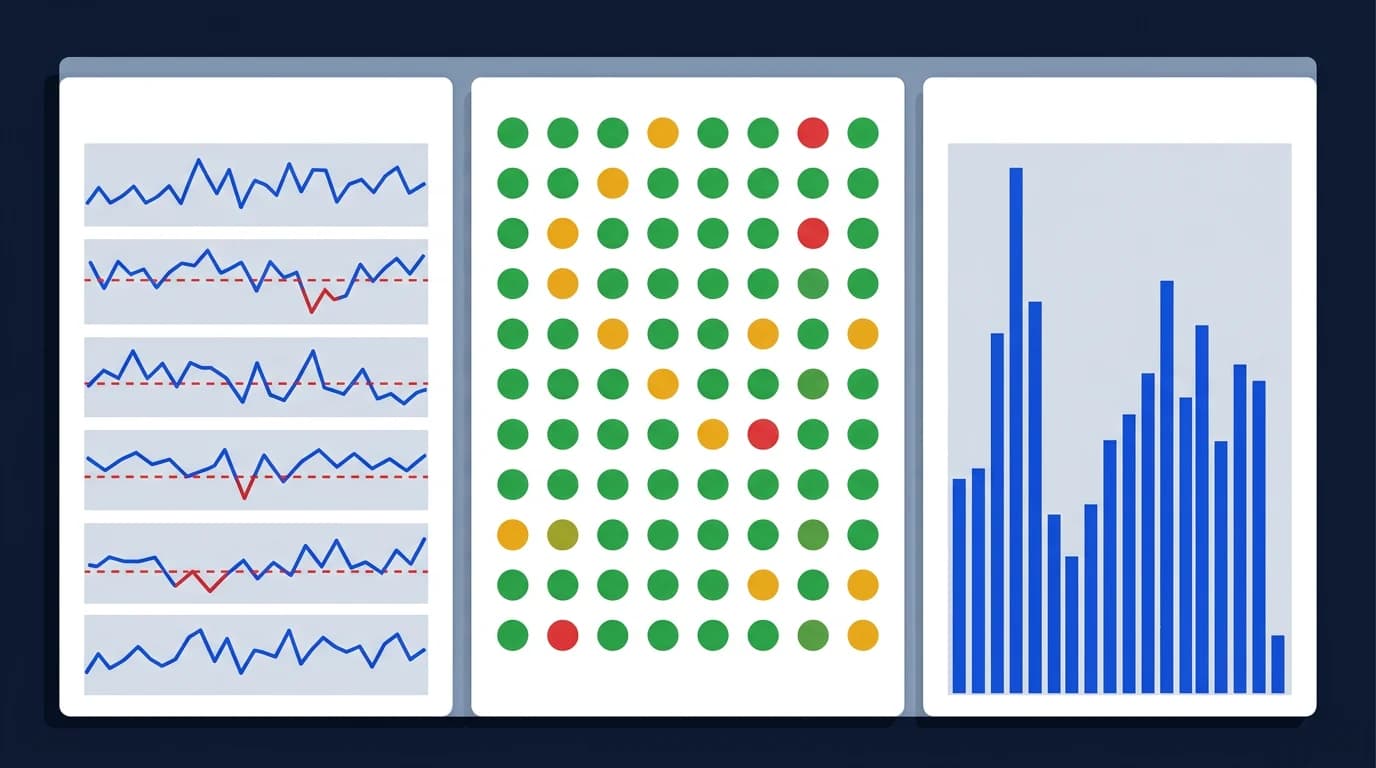
This guide explains what technical teams should monitor, which alerts matter most, and how to build an SEO detection layer that catches regressions before they turn into crawl loss, indexation decline, or answer-engine instability.
Monitoring should focus on route health, not vanity dashboards
The most useful SEO monitoring does not begin with traffic charts. It begins with route health.
That means checking whether critical URLs still return:
- the right status code
- the correct canonical
- meaningful raw HTML
- expected schema or JSON-LD
- stable indexation signals for bots
If route health drifts, performance usually follows later, which is exactly why monitoring needs to feed into the same operational loop as Core Web Vitals work for engineering teams.
A useful starting point is to map each monitoring layer against what it actually catches and how fast it can alert. Solutions like Datadog Synthetics and field-tier tools such as Calibre sit at different points on that matrix.
| Monitoring layer | What it catches | Latency from event to alert | Cost tier | Best for |
|---|---|---|---|---|
| Synthetic checks | Status, canonical, title, schema regressions on sampled routes | Seconds to minutes | Medium | Continuous machine-facing route validation |
| RUM (Real User Monitoring) | Field Core Web Vitals, layout instability, slow renders | Minutes | Medium to high | User-experience drift across geographies |
| Search Console | Indexation, coverage, structured data, manual actions | Hours to days | Free | Authoritative crawler-side signals |
| Server logs | Crawler hit patterns, status mix, crawl waste, 5xx spikes | Minutes (with streaming) | Low to medium | Bot behavior and crawl-budget anomalies |
| Lighthouse CI | Pre-deploy lab regressions, audit deltas | At build time | Low | Catching issues before release |
Alerting should be tied to route families
Technical SEO failures usually spread by template family, not by one isolated URL. A monitoring system is strongest when it watches representative URLs across:
- homepage and core marketing pages
- editorial content
- category or listing templates
- product or programmatic routes
- routes with optional or sparse data
This operating model overlaps naturally with rendering QA checklist for SEO releases, because the same route families used in release QA should also power continuous monitoring.
The first-response HTML should be monitored directly
Teams often monitor uptime while missing machine-facing regressions. A route can stay live and still become weaker for SEO if the first response loses core meaning.
Monitoring should catch whether raw HTML still contains:
- the main route topic
- stable title and H1 alignment
- the correct canonical path
- expected structured data
- crawlable internal links where the template normally provides them
A minimal synthetic SEO check can be scripted directly in CI with curl and a couple of grep calls, before introducing a heavier platform. The same pattern can later be promoted into a Datadog Synthetics test or hooked into the Search Console API for indexation cross-checks.
# Verify status code and canonical on a critical route as Googlebot
URL="https://example.com/route"
HEADERS=$(curl -sI -A "Googlebot" "$URL")
BODY=$(curl -s -A "Googlebot" "$URL")

echo "$HEADERS" | grep -E "^HTTP/" || { echo "no status line"; exit 1; }
echo "$BODY" | grep -oE '<link[^>]+rel="canonical"[^>]*>' || { echo "missing canonical"; exit 1; }
echo "$BODY" | grep -oE '<title>[^<]+</title>' || { echo "missing title"; exit 1; }
Why JavaScript and SSR routes need extra scrutiny
This is especially important for JavaScript-heavy systems, SSR setups, and prerendered routes where browser rendering can hide first-response problems.
Canonical drift deserves its own alerts
Canonical regressions are one of the highest-value things to monitor because they often spread quietly across a route family after ordinary frontend changes.
Strong canonical alerting usually watches for:
- canonical tags disappearing
- canonicals pointing to the wrong host or path format
- canonicals changing between cached and fresh responses
- canonicals disagreeing with
og:urlor schema URLs - paginated or filtered routes pointing somewhere unexpected
Why canonical drift spreads across route families
This is closely related to canonical issues on JavaScript websites, because canonical drift is rarely a one-page problem.
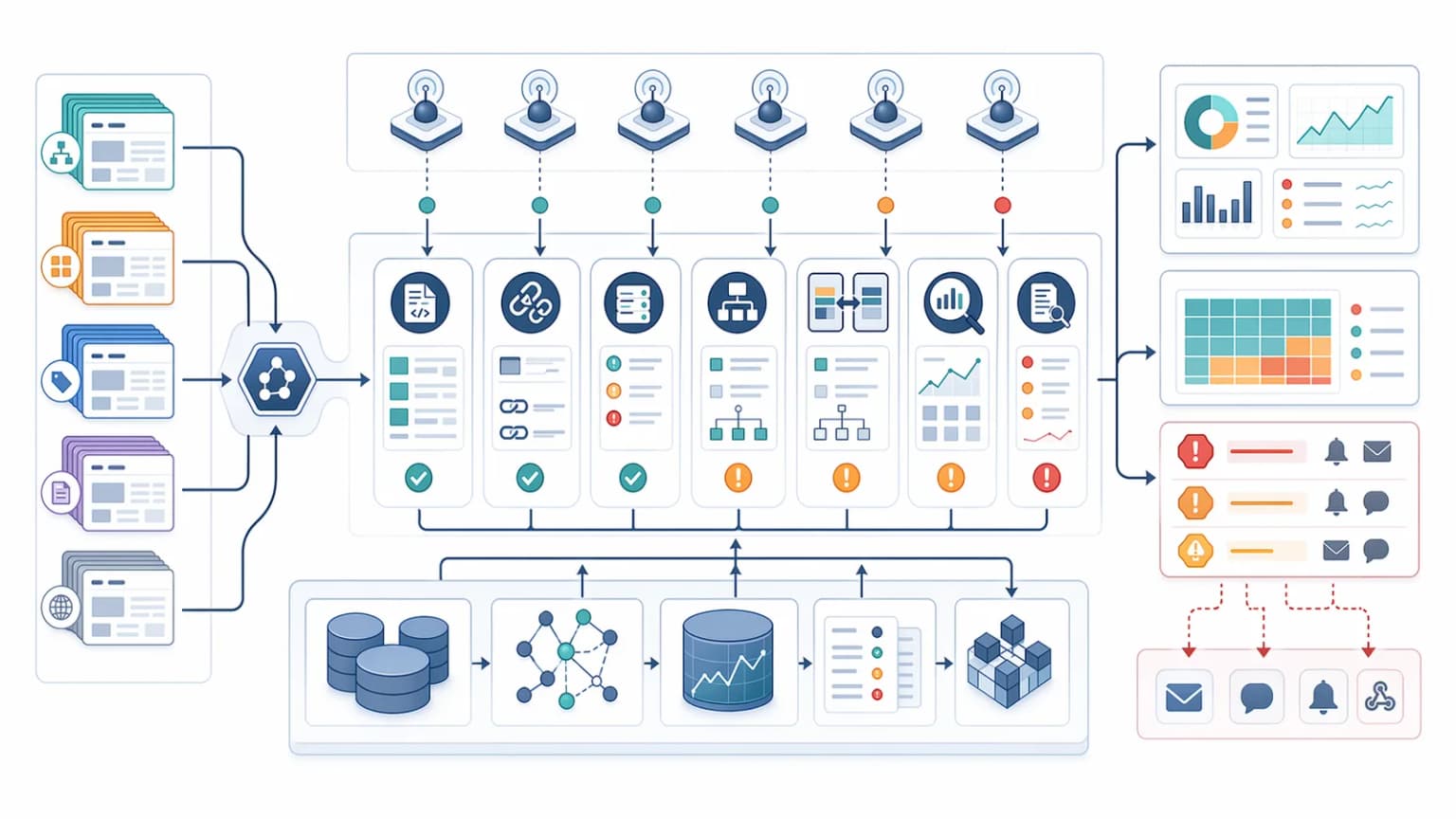
Rendering parity should be part of SEO alerting
If the site uses SSR, prerendering, or bot-aware delivery, monitoring should confirm that machine-facing output keeps the same meaning as the user-facing route.
That means alerting when teams see changes in:
- canonical destination
- route topic or H1 intent
- schema presence
- visible core facts in raw HTML
- internal-link availability for crawlers
Detecting meaning drift, not byte-level differences
This is where monitoring connects directly to SSR cloaking risks and semantic parity. The job is not to prove the DOM is identical. The job is to detect when the route meaning stops matching.
Status-code monitoring is more than uptime
Many teams monitor only whether a page returns 200. That is too shallow for technical SEO.
Useful monitoring should detect:
- unexpected
3xxon canonical URLs 404or410appearing on important routes- soft failure patterns where low-value pages still return
200 5xxinstability on crawl-critical templates503maintenance windows that last too long or hit the wrong routes
Why response semantics matter beyond uptime
This overlaps with HTTP status codes for SEO and crawlers, because route availability is not enough when response semantics are wrong.
Sitemap drift should trigger alerts too
Sitemaps are often treated as static assets, but they are really crawl-priority inventories. That means they should be monitored for drift.
High-value sitemap alerts include:
- the sitemap becoming unavailable
- sudden drops or spikes in URL count
- non-canonical URLs entering the inventory
- deleted or redirected URLs remaining in the sitemap
- important new route families failing to appear
Treating sitemaps as evolving inventories
This monitoring layer pairs well with XML sitemap guide for technical SEO, because sitemap quality is a system that changes over time.
Log patterns should inform alerts, not just audits
Log file analysis is often treated as a one-time investigation, but it becomes much more powerful when it informs ongoing monitoring.
Logs can help teams define alerts for:
- sudden crawler drops on high-value templates
- crawl waste on filtered or duplicate routes
- repeated hits on redirects and error states
- large changes in fetch frequency after releases
- crawler concentration on low-priority route families
That is where this article connects directly to log file analysis for technical SEO. Logs tell you what bots are actually doing. Monitoring makes that behavior actionable faster.
Alerting should separate noise from business risk
The biggest alerting mistake is trying to monitor everything with equal urgency. Strong teams classify alerts by route importance and likely impact.
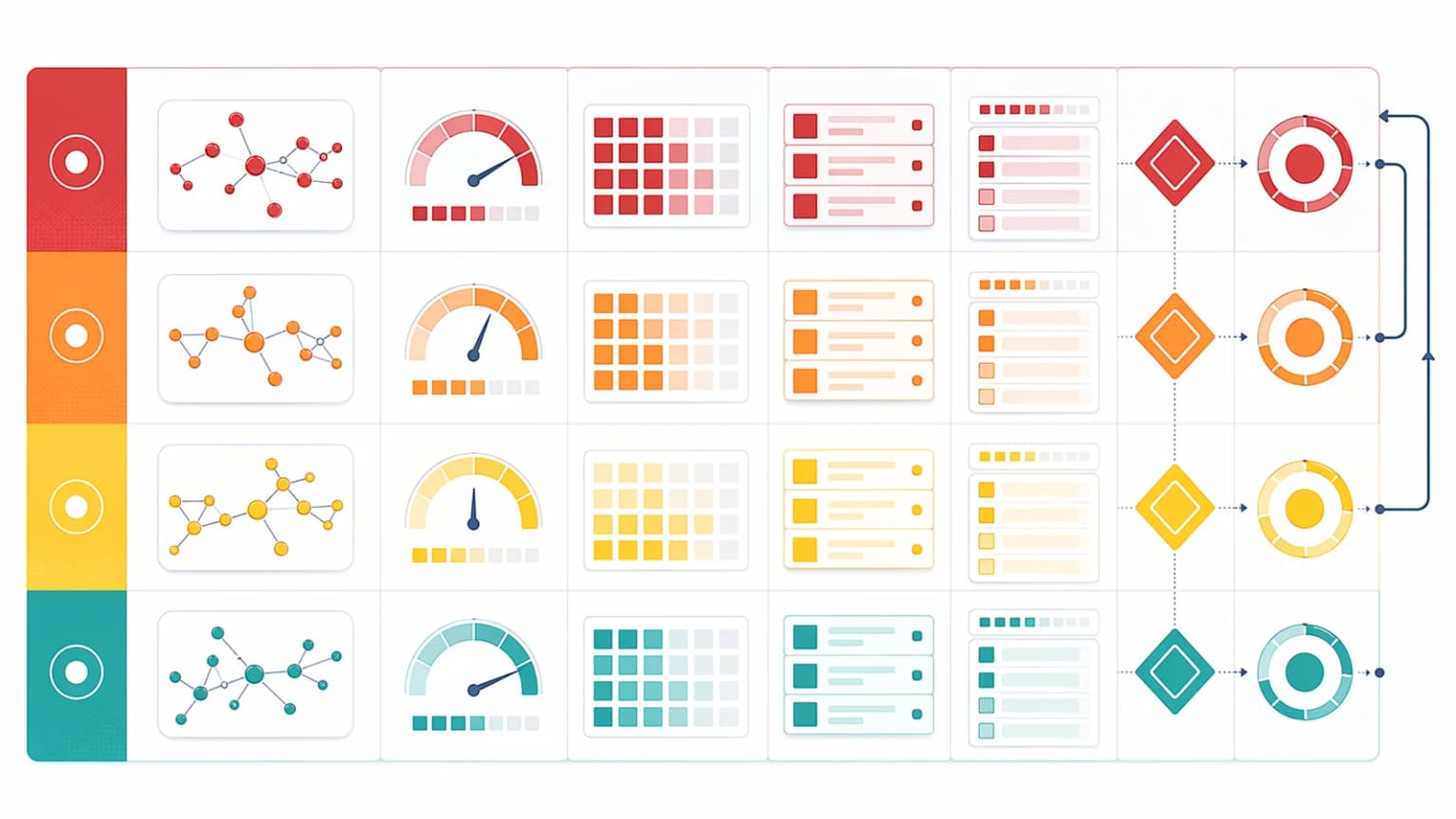
A practical severity model often looks like this:
- Critical: homepage, primary landing pages, top category templates, and main revenue routes lose core machine-facing signals.
- High: one route family shows canonical drift, rendering failures, or abnormal status behavior.
- Medium: secondary templates or support routes drift without affecting the primary search surface yet.
- Low: isolated route anomalies that should be reviewed but not wake the team up.
How severity tiers reduce alert fatigue
Good alerting reduces fatigue. It does not create it.
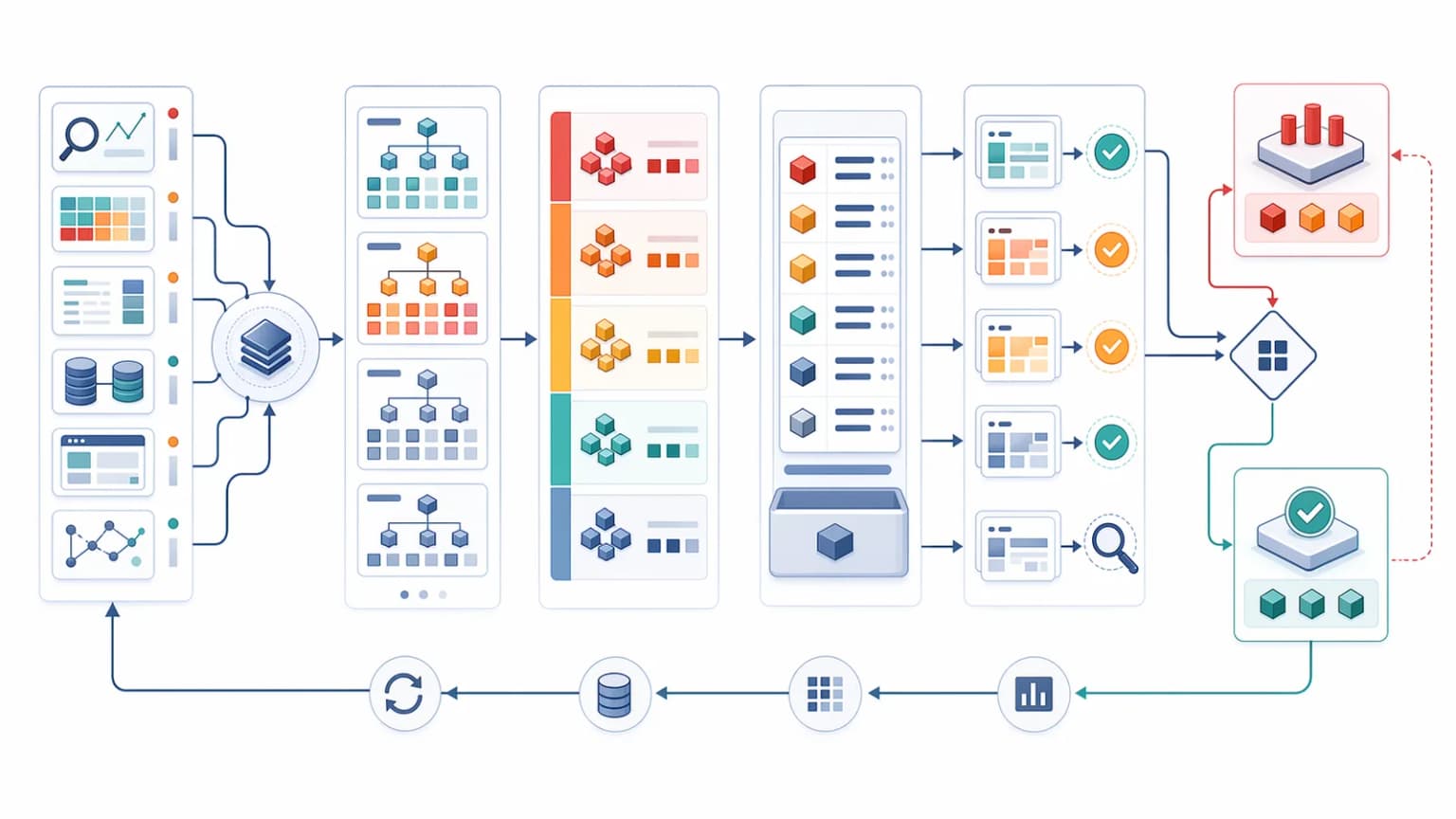
Monitoring should cover releases, migrations, and ordinary drift
The strongest systems are not designed only for catastrophic incidents. They detect smaller changes that happen during:
- normal frontend releases
- cache invalidation problems
- CMS or feed changes
- replatforming work
- taxonomy expansions
- metadata rule updates
This is why monitoring becomes the operational layer that sits after audits and after release QA.
A practical SEO monitoring stack
A useful technical SEO monitoring stack usually includes:
- route-level HTML checks
- canonical and metadata validation
- status-code monitoring for critical URLs
- sitemap availability and inventory checks
- crawler-facing rendering checks
- log-informed anomaly review for high-value route families
If a team uses prerendering or bot-routing logic, it should also monitor crawler-specific delivery paths with tools like the Prerender Checker and Crawler Checker.
Common monitoring mistakes
The most common mistakes are:
- monitoring uptime but not machine-facing HTML
- checking only one or two flagship URLs
- ignoring route-family coverage
- alerting on everything without severity tiers
- treating sitemap health as a one-time setup task
- failing to compare user-facing and bot-facing delivery paths
These mistakes usually create a false sense of safety.
Conclusion
Technical SEO monitoring is the system that keeps small regressions from turning into expensive recovery projects. The right alerts watch route health, canonical stability, rendering parity, status behavior, sitemap drift, and crawler anomalies across the templates that matter most.
Audits explain what needs to be fixed. Monitoring helps teams know when healthy systems stop behaving as intended. That is what turns technical SEO from episodic cleanup into an operating discipline.
Content Cocoon
SEO Monitoring and Alerting Cluster
This article should connect operational SEO monitoring back to release QA, crawl diagnostics, sitemap integrity, and the broader technical SEO systems that determine whether healthy routes stay healthy after launches, cache changes, and ordinary platform drift.
Internal Pathways
Rendering QA Checklist for SEO Releases
A companion article for defining the route-family checks that should graduate from release testing into continuous monitoring.
Log File Analysis for Technical SEO
Useful when teams want to turn real crawler behavior into alert thresholds and anomaly review for important route families.
Indexation Recovery After Site Migrations
Relevant when monitoring needs to catch the same kinds of route drift, redirect issues, and canonical instability that often appear after migrations.
Technical SEO Audit
The parent service for teams turning monitoring gaps into route-level findings, implementation tasks, and ongoing SEO safeguards.
External Technical References
Crawler Checker
Helpful for checking whether critical routes still return the intended crawler-facing output when monitoring flags suspicious behavior.
Prerender Checker
Useful when teams need to validate bot-facing rendered HTML on JavaScript-heavy or prerendered templates.
SEO Audit Tool
Helpful when an alert needs to be investigated alongside canonicals, metadata, status codes, and broader route-quality signals.
Frequently Asked Questions
What should technical SEO monitoring cover first?+
Teams should start with critical route health, including status codes, canonical output, raw HTML quality, sitemap availability, and rendering checks on high-value template families.
Why is uptime monitoring not enough for SEO?+
A route can stay live while its crawler-facing HTML, canonicals, schema, or bot-facing delivery paths quietly regress in ways that hurt crawlability and indexation.
Which routes should be monitored continuously?+
Representative URLs from each critical template family such as core landing pages, editorial pages, category routes, product or programmatic pages, and edge-case templates with sparse data.
How do alerts stay useful instead of noisy?+
By grouping checks by route family, assigning severity based on business and search impact, and focusing on regressions that change machine-facing meaning instead of tracking every minor variation.