Crawl budget matters when search engines can discover your URLs but do not spend enough resources to fetch, render, and index them efficiently, a dynamic Google describes in its large-site crawl budget guide. On JavaScript-heavy websites, the problem is rarely just "too many pages." It is usually a combination of weak initial HTML, slow responses, rendering deferral, and low-value URL patterns that burn crawler time without improving visibility.
As of April 2026, this article reflects current Googlebot rendering behavior, evergreen Chromium handling, and the latest crawl-pacing signals teams can observe in Search Console and server logs.
That is why crawl budget is not only a large-site SEO topic. It is also a rendering and delivery topic. When crawlers spend their limited fetch capacity on slow JavaScript routes, parameter noise, and blank initial documents, important pages can sit in "discovered, currently not indexed" or cycle through weak recrawl patterns. This sits directly between technical SEO audits, JavaScript SEO, and prerendering.
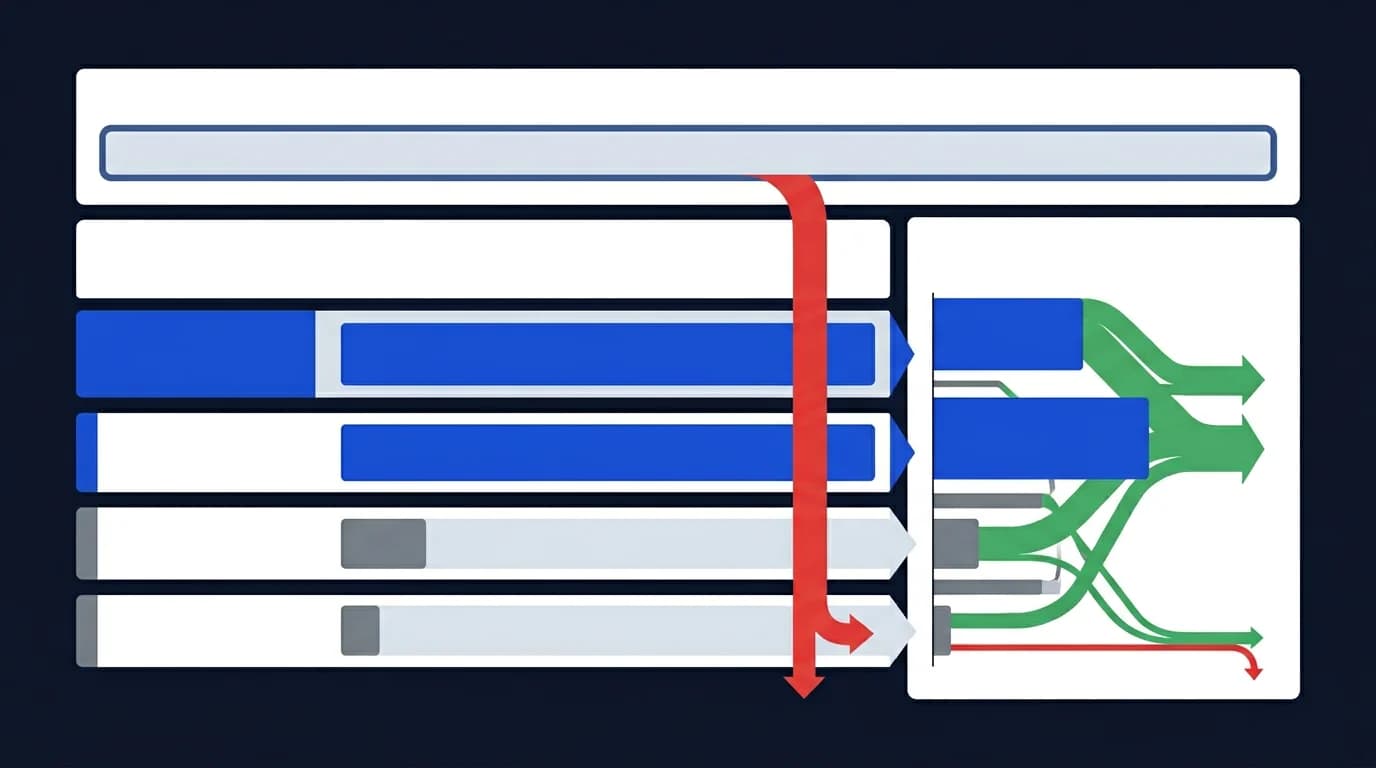
This article explains what crawl budget means in practice, why JavaScript-heavy architectures waste it, how server response quality affects crawl rate, and where prerendering helps move valuable URLs from discovery into reliable indexation.
What Is Crawl Budget in SEO?
Crawl budget is the amount of crawl attention a search engine is willing and able to spend on a site over time. In practice, that means how many URLs get requested, how often they get revisited, and how much rendering effort the crawler is willing to invest before moving on.
It helps to think about crawl budget as the overlap of two forces:
- crawl demand for the site and its URLs
- crawl capacity the site can support without degrading
- URL quality and duplication patterns
- rendering cost per request
Why weak routes burn the budget first
If the site exposes too many weak, duplicate, or expensive routes, crawlers spend energy in the wrong places. That is one reason crawl-budget work often belongs inside a broader technical SEO audit guide, not as an isolated reporting exercise.
Why Discovered Pages Stay Unindexed
"Discovered, currently not indexed" usually means the crawler knows the URL exists, but has not decided that fetching and processing it is worth the near-term cost. Sometimes that is a quality issue. On JavaScript-heavy sites, it is often a delivery issue.
Common causes include:
- slow or unstable server responses
- thin initial HTML with important content deferred to JavaScript
- parameterized URL sprawl and duplicate states
- weak internal linking to priority routes
- heavy render cost compared with the value of the page
How processing gets postponed at scale
When that happens at scale, search engines keep the URL in the queue but postpone deeper processing. If the site already struggles with crawler-facing rendering, the broader guide on prerendering for technical SEO is a useful companion.
How Server Response Times Affect Crawl Budget
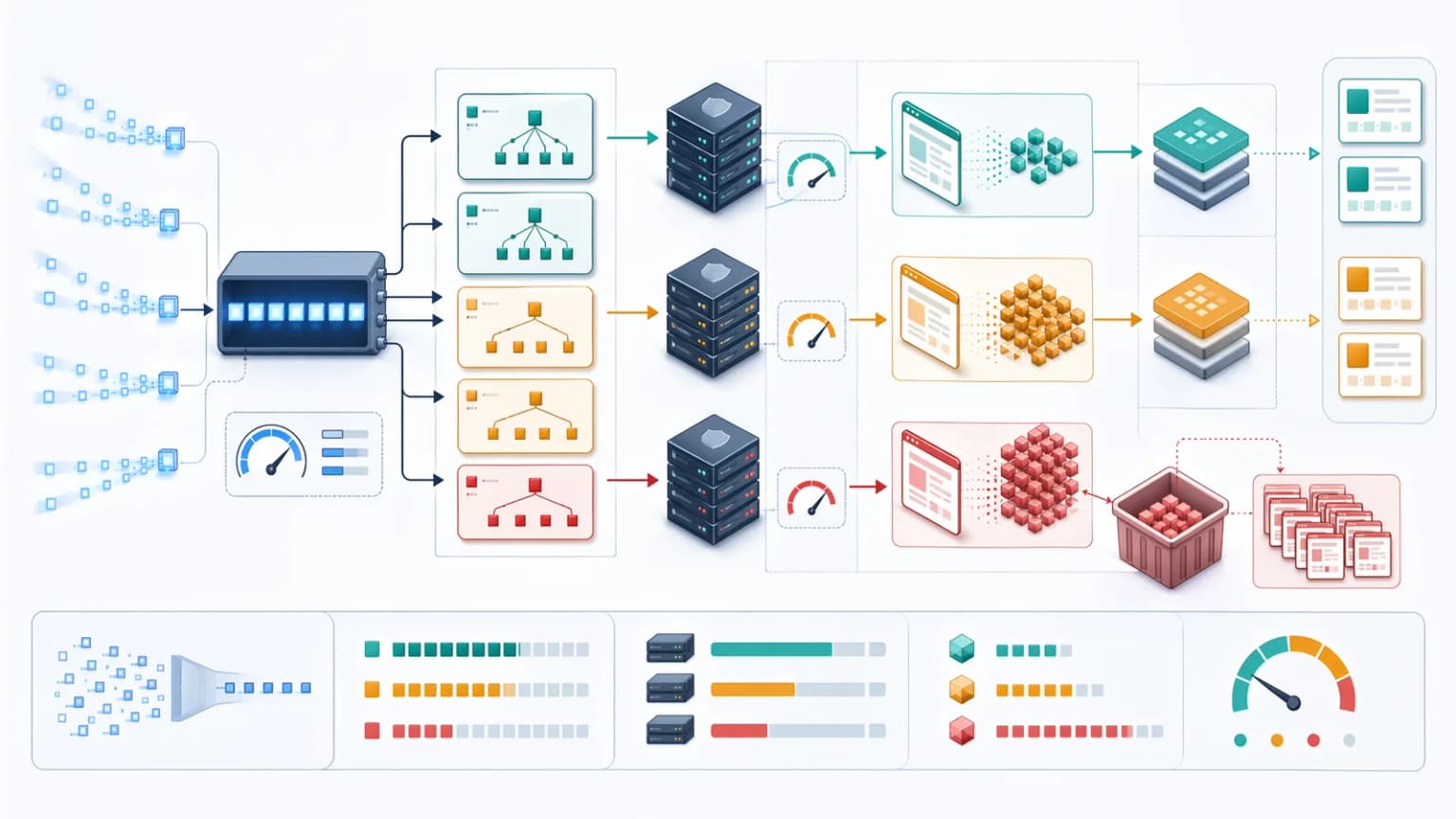
Search engines do not want to overload your origin. If responses are consistently slow, error-prone, or unstable, crawl rate usually becomes more conservative, and origin response signals like Largest Contentful Paint often correlate with how aggressively bots will keep fetching. That means fewer useful URLs processed within the same window.
For engineering teams, this turns crawl budget into an infrastructure concern:
- high TTFB reduces the number of URLs bots can fetch per session
- unstable 5xx spikes reduce trust in crawl pacing
- redirect chains waste fetches before content is reached
- slow HTML generation makes rendering-heavy routes even less attractive
Where origin resilience meets crawl efficiency
That is why crawl efficiency and server resilience often overlap with bot detection and offloading bot visits. If the origin spends too much capacity serving automated requests directly, both user performance and crawl throughput suffer.
The JavaScript Problem: Rendering Cost per URL
JavaScript-heavy routes are expensive for crawlers because the useful page meaning may not be available in the first response, a constraint Google highlights in its JavaScript SEO basics. Instead of receiving a complete HTML document, the bot gets a shell that depends on additional scripts, APIs, hydration, and delayed DOM mutations.
That creates three crawl-budget problems at once:
- The initial response can look low-value.
- Rendering may be deferred or skipped.
- The bot spends more resources on each URL it does process.
This is the same underlying problem discussed in JavaScript SEO for Next.js and SPA websites. Crawl budget does not disappear on SPAs, but it gets spent less efficiently when every meaningful route depends on client-side execution.
How Render-Blocking Scripts Waste Crawl Budget
Render-blocking scripts slow down parsing and delay access to meaningful content, metadata, and structured data. Even when the crawler eventually renders the page, the route has already cost more time than a stable HTML-first alternative.
The usual offenders are:
- large framework bundles in the critical path
- synchronous third-party scripts in the document head
- client-side fetched headings and body copy
- metadata or JSON-LD injected only after hydration
If a route depends on those scripts to express its real content, the crawler has to do more work to understand the page. Teams can validate that gap with View as Bot vs Prerender and compare it against the intended machine-facing output.
Crawl Budget in SPAs and Client-Side Routing
Pure client-side routing often hides crawl inefficiency behind a seemingly clean frontend experience. Humans move between views quickly, but crawlers still need stable route-level responses and discoverable links.
SPA crawl-budget issues usually appear as:
- deep routes returning the same generic shell
- internal states accessible only through JS events
- faceted URLs multiplying crawlable combinations
- content appearing only after asynchronous calls resolve
Strong UX is not the same as strong indexation
When that happens, the site may have strong UX but weak indexation depth. That is one reason the article on what websites benefit from a prerendering service maps architecture fit instead of treating prerendering as a universal fix.
How Prerendering Helps Crawl Efficiency
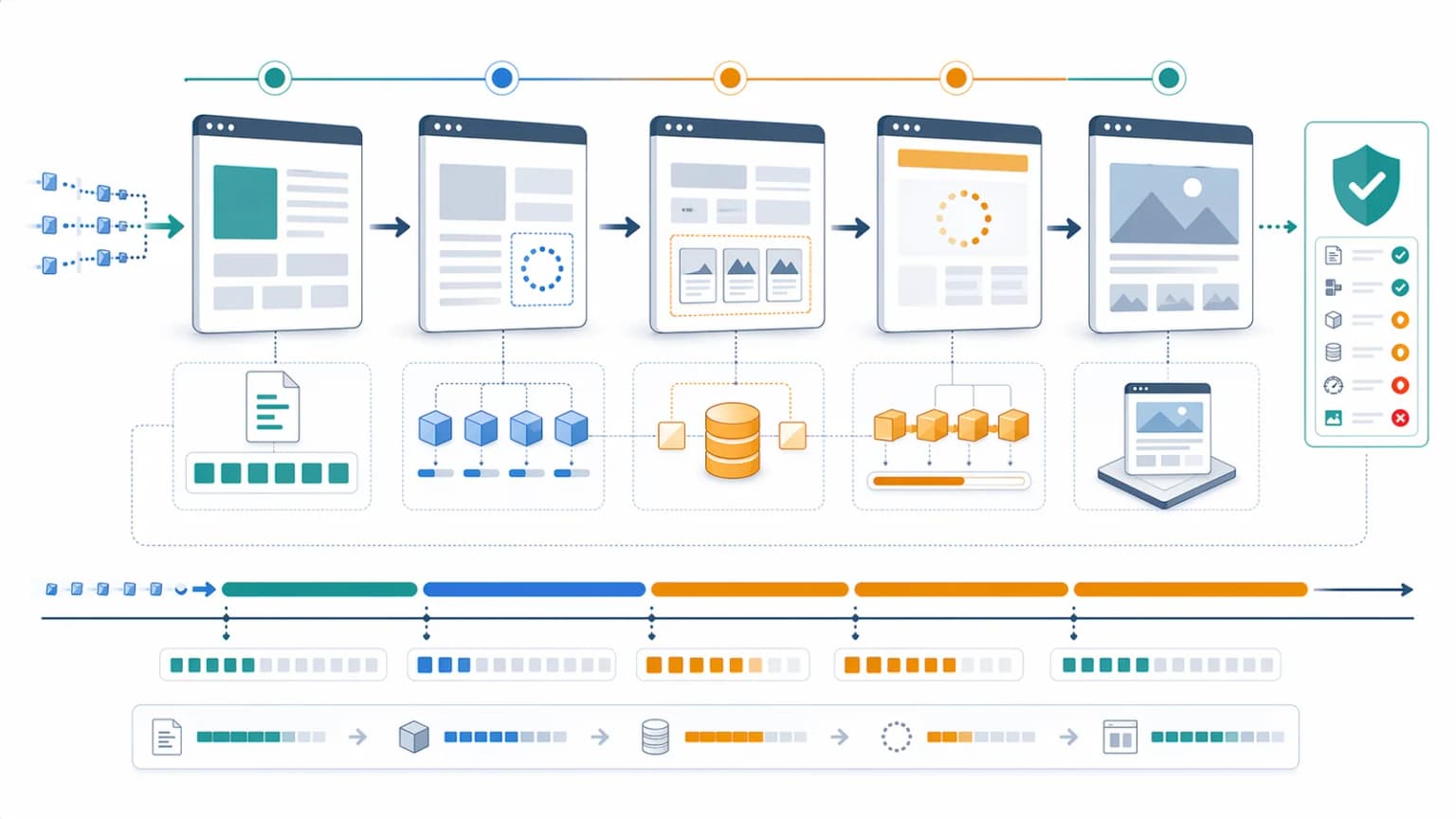
Prerendering improves crawl efficiency by returning deterministic HTML to crawlers without forcing the origin to rebuild complex application states for every automated request. Instead of asking bots to execute the full frontend stack, the site can route verified crawler traffic through a controlled rendering layer.
That helps because:
- the crawler receives usable HTML immediately
- important content and metadata become visible in the first response
- rendering work moves away from the origin
- expensive JavaScript routes become cheaper for bots to process
The fastest fix without a rendering rewrite
For many teams, this is the fastest way to reduce "discovered, currently not indexed" risk on high-value JavaScript routes without a full rendering rewrite. The implementation model overlaps closely with what websites benefit from a prerendering service and SEO for ChatGPT, where machine-readable delivery matters beyond classic search alone.
Best Practices for Crawl Budget Optimization
Crawl-budget improvement works best when teams combine architecture cleanup with routing discipline. A good plan usually includes:
- remove or canonicalize duplicate parameter paths
- strengthen internal links to priority URLs
- keep XML sitemaps aligned with live indexable pages
- return real
404and410status codes for dead routes - reduce redirect chains and unnecessary hops
- make core content visible in initial HTML where possible
- offload verified crawler rendering when JavaScript remains heavy
This is also where service-level work and editorial work should connect. If the problem is systemic, it belongs in a technical SEO audit, not just a content refresh.
Validation Workflow for Crawl-Budget Issues
Once a team decides crawl budget is really an indexation bottleneck, the next step is validation. The strongest workflow usually checks:
- sitemap coverage for priority URLs
- server log patterns from major crawlers
- HTML completeness before and after rendering
- indexation state of templates, not just single pages
- whether origin load drops after offloading crawler-facing rendering
Useful tools include an Extract Sitemap audit for URL inventory and a Prerender Checker for route-level machine output.
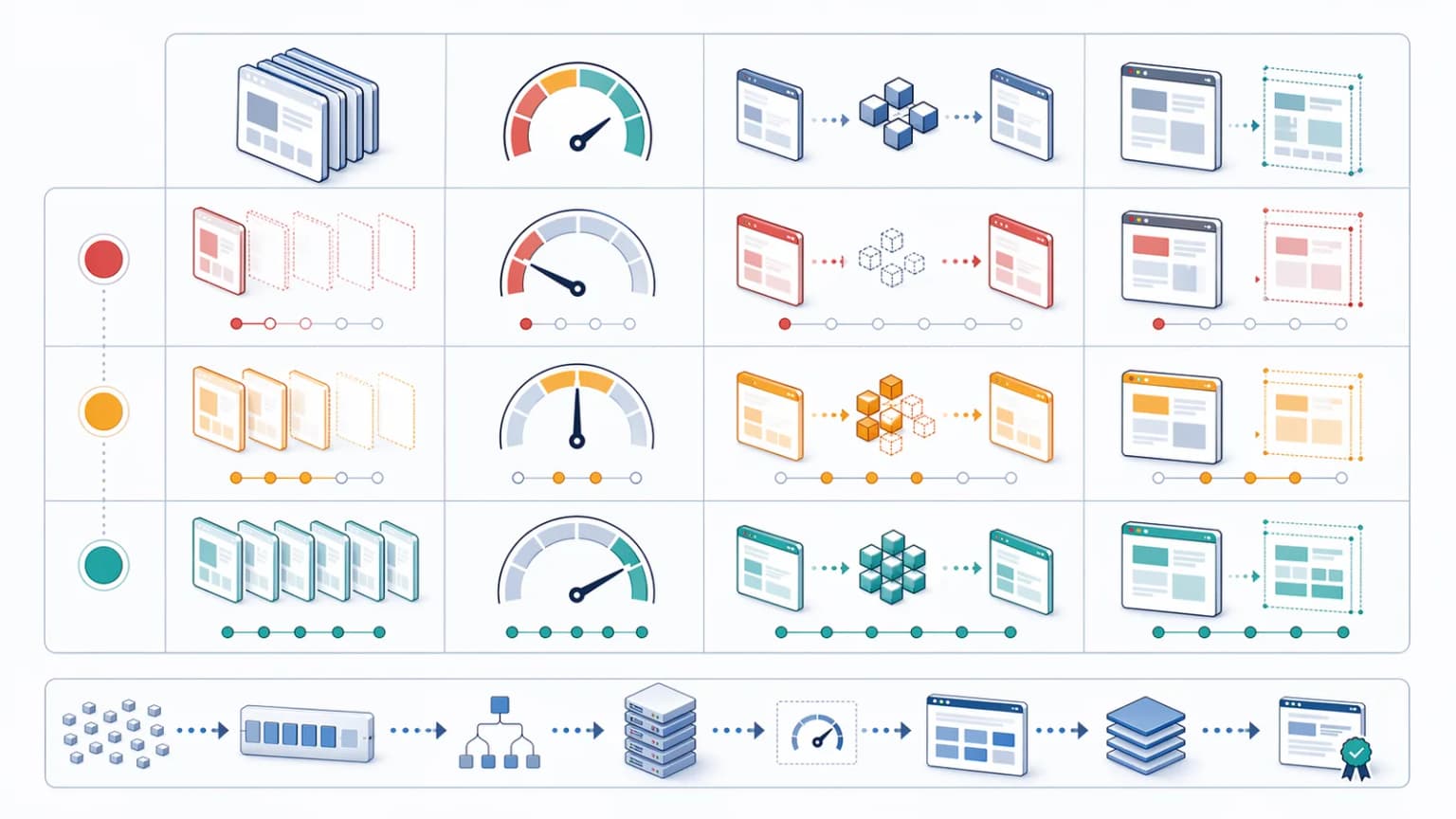
| Strategy | Crawl efficiency | Origin load | Indexation reliability |
|---|---|---|---|
| Raw client-side delivery | Low on JS-heavy routes | Low to moderate | Inconsistent |
| Native SSR everywhere | High | High | High |
| Selective prerendering for verified bots | High | Low to moderate | High |
| Ignore duplication and parameter sprawl | Very low | Variable | Poor |
Limits and Risks
Prerendering does not fix every crawl-budget problem by itself. If the site keeps generating infinite low-value URLs, broken canonicals, stale sitemap entries, or misleading internal links, crawlers will still waste time.
Teams should watch for:
- stale prerender caches after content changes
- personalized routes accidentally exposed to bots
- incorrect bot classification at the edge
- duplicate variants remaining crawlable after rollout
- assuming crawl budget is the root cause when page quality is the real issue
When crawl budget is a symptom, not the cause
That last point matters. Crawl budget is often the symptom of broader rendering, duplication, or information architecture problems rather than an isolated diagnosis.
Conclusion
Crawl budget becomes a real bottleneck when search engines spend too much effort discovering, fetching, and rendering the wrong URLs while valuable pages stay deferred. On JavaScript-heavy sites, that usually means the delivery model is asking crawlers to do too much work for too little immediate value.
The strongest fix is not a single trick. It is a coordinated system: clean URL policies, faster responses, better internal linking, fewer duplicate states, and deterministic crawler-facing HTML where JavaScript would otherwise delay understanding. When those layers work together, crawl budget stops being a vague SEO complaint and becomes an engineering problem with measurable solutions.
Content Cocoon
Crawl Budget Editorial Cluster
This article should connect crawl efficiency, discovered-not-indexed diagnosis, and JavaScript rendering constraints back to the core technical SEO, prerendering, and implementation service paths.
Internal Pathways
Technical SEO Audit
The parent service for teams that need crawlability, rendering, indexation, and prioritization reviewed together.
JavaScript SEO
Relevant when crawl waste is caused by thin initial HTML, hydration-heavy routes, or render-blocking scripts.
Prerendering
A directly related service when bots need deterministic HTML instead of raw client-side execution.
Bot Detection and Offloading Bot Visits
A companion article for teams separating beneficial crawler traffic from wasteful automation at the edge.
External Technical References
Crawl Budget Optimization
A useful external reference for how crawl demand and server constraints shape indexation depth.
Extract Sitemap Tool
Helpful for auditing whether important URLs are exposed cleanly to crawlers.
View as Bot vs Prerender
Useful when validating whether crawler-facing HTML is complete enough to avoid deferred indexing.
Bridge CDN, crawl budget at the edge
An edge platform in development that pairs prerendered delivery with IndexNow submission so crawl budget lands on URLs that actually changed.
Frequently Asked Questions
What is crawl budget in SEO?+
Crawl budget is the amount of fetch and processing attention a search engine is willing to spend on a site over time, based on both crawl demand and the site’s ability to respond efficiently.
Why do JavaScript-heavy pages waste crawl budget?+
Because the first response can be thin, while the crawler must spend extra resources rendering scripts, waiting on asynchronous content, and reprocessing routes that would be clearer in deterministic HTML.
Does prerendering improve crawl budget?+
It often improves crawl efficiency on JavaScript-heavy sites because verified crawlers receive machine-readable HTML immediately, which reduces rendering overhead and helps important routes move from discovery to indexation.
Can crawl budget problems be caused by duplication, not just rendering?+
Yes. Parameterized URLs, duplicate templates, redirect chains, and stale sitemap entries can all waste crawl attention even when rendering quality is acceptable.